eSIM vs physical SIM: which should you actually use?
9 min read
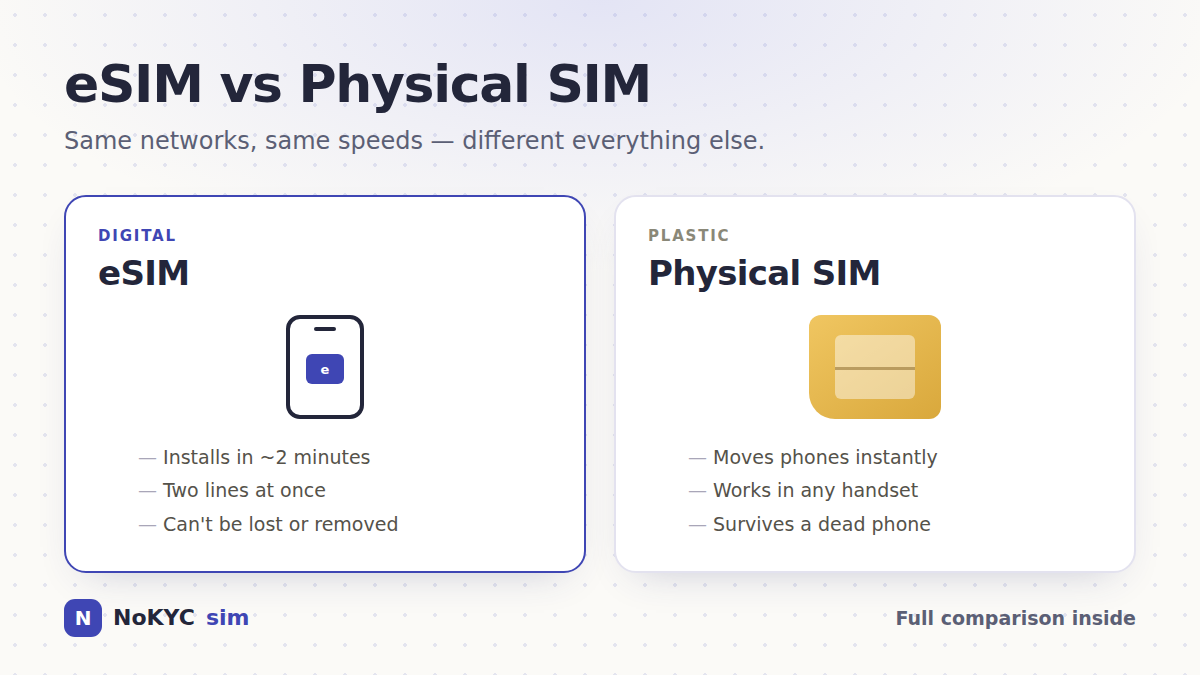
An eSIM lets you download a mobile plan to a compatible device instead of inserting a removable SIM card. It can be convenient for travel and multiple lines. A physical SIM can be easier to move between compatible phones. Check device support, carrier transfer rules and the plan itself before choosing.
| eSIM | Physical SIM | |
|---|---|---|
| Getting connected | Download using a QR code or provider instructions | Buy or post a card, then swap trays |
| Switching phones | Re-download or transfer the profile | Move the card in seconds |
| Lines at once | Several stored, usually 2 active | One per physical slot |
| Can be lost or damaged | No loose card; the device or profile can still fail | Yes — it's a tiny piece of plastic |
| Thief can remove it | No | Yes, in seconds |
| Travel setup | Installed before you fly | Bought at the airport or posted |
| Identity needed to buy | Depends on the seller | Requirements vary by provider and destination |
| Signal and speed | Depends on the device, plan and network | Depends on the device, plan and network |
| Older phone support | Exact model and regional variant matter | Essentially every phone |
What is actually different between an eSIM and a SIM card?
Less than most people expect. In the eSIM vs SIM card debate, both sides are SIMs — the credentials that identify you to a mobile network. The only real difference is how those credentials get into your phone. A physical SIM stores them on a removable chip you push into a tray. An eSIM stores exactly the same thing on a chip permanently soldered inside the phone, and the credentials are downloaded onto it as a 'profile'.
The SIM format does not by itself determine coverage or speed. The handset, supported bands, plan, network access and roaming arrangements all matter. Compare those details rather than assuming two plans perform alike because they use the same SIM format.
Benefits of an eSIM: where it clearly wins
Download a plan before you travel
This is the big one. A physical SIM has to physically reach you: a shop visit, a delivery, or an airport kiosk queue after a long flight. An eSIM arrives as a QR code in your inbox and installs over Wi-Fi. For travel that's transformative — you land already connected instead of hunting for a counter with your bags.
Two numbers on one phone, without a second slot
Many compatible phones can store multiple profiles and use two lines, but the number of stored and active lines depends on the device. A travel data eSIM can sit alongside a home number where dual-SIM support allows it.
There is no removable card to lose
An eSIM has no loose card to misplace or remove from a tray. That does not prevent device theft, account compromise or loss of service. Use your device's lock and security features whichever SIM format you choose.
Switching plans stops being a chore
Adding an eSIM avoids a physical SIM delivery or shop visit. Setup, identity checks and activation still depend on the provider. Keep the profile until the trip is finished and you know you no longer need it.
eSIM disadvantages: where physical SIMs still win
Any honest set of eSIM pros and cons has to cover the trade-offs, because there are real ones.
- Moving to a new phone is harder. A physical SIM moves in five seconds. An eSIM has to be transferred or re-downloaded, and some carriers make you call support or issue a new QR code. If you swap handsets constantly, this is genuinely annoying.
- A dead phone is a bigger problem. If your handset won't power on, you can pull a physical SIM and put it in a spare phone immediately. An eSIM profile is stuck on the broken device until the carrier reissues it.
- Device support is specific to the exact model, region and carrier variant. Check the manufacturer's documentation and confirm the phone is unlocked before buying.
- Profiles usually install once. Delete an eSIM by accident and you often need the carrier to reissue it. A physical SIM you deleted nothing from just keeps working.
- Local prepaid deals can still be cheaper. In some countries a shop-bought tourist SIM offers more data per dollar than any eSIM — if you don't mind the queue and the passport scan.
- Carrier support can be patchy. Some smaller networks and prepaid brands still don't offer eSIM provisioning at all.
Should you switch to an eSIM? Pick by scenario
You travel internationally → yes, switch
A travel eSIM can be installed before departure if the plan allows it. Compare its total price and allowance with your home carrier's roaming offer. If you keep your home number active, calls, texts or accidental data use can still incur home-carrier charges.
You want a work and personal line → yes, switch
Two active lines on one phone is exactly what eSIM was designed for, and it beats carrying a second device or swapping trays.
You change phones often, or keep a backup handset → stay physical
If you routinely move your number between devices, or you want the ability to drop your SIM into an old phone the moment the main one dies, plastic still wins on sheer convenience.
You care about privacy → it depends entirely on where you buy
The SIM format alone does not decide privacy. Check what the seller, payment service and network collect. NoKYCsim checkout does not request an account or ID upload, but it keeps order and delivery records. Destination and operator rules can also apply.
Does your phone support eSIM?
Check that your exact device and regional variant support eSIM and that it is unlocked for another provider's plan. An EID or Add eSIM setting helps identify support, but also check the manufacturer's guidance and the plan's compatibility requirements.
- Apple: check the exact iPhone model and country of purchase; regional eSIM restrictions apply.
- Google: Pixel 4 and later support eSIM; Pixel 3 and 3a have carrier and regional exceptions.
- Samsung: check the exact Galaxy model and country of origin against Samsung's supported-device list.
- Other brands: use the manufacturer's documentation for your exact model, rather than a release-year rule.
Carrier locking catches people out more often than hardware. A phone bought on a carrier contract may refuse other profiles until it's paid off — on iPhone, Settings → General → About → Carrier Lock should read 'No SIM restrictions'.
Can you switch back from eSIM to a physical SIM?
Ask your carrier whether it can move the plan to a physical SIM. You will need a compatible phone with a SIM tray, and transfer rules and charges depend on the carrier.
You don't have to choose exclusively, either. The most practical setup for most people is both at once — keep your main number on a physical SIM or primary eSIM, and add travel data plans as secondary eSIM profiles you delete when they expire.
The verdict
An eSIM can be convenient for travel and adding another line without a loose card. A physical SIM can be easier to move to a spare phone. Choose according to your device support, carrier transfer rules and the plans available.
For travel, compare plans for your destination and check their activation rules before installation. Our iPhone and Android guides explain the setup steps.
Compare coverage, allowance, validity and network access as well as the SIM format. Two different plans can offer different performance on the same handset.
This guide is published by NoKYCsim, also searched as simnokyc, a store for prepaid data-only travel eSIMs with no account or ID upload at checkout.